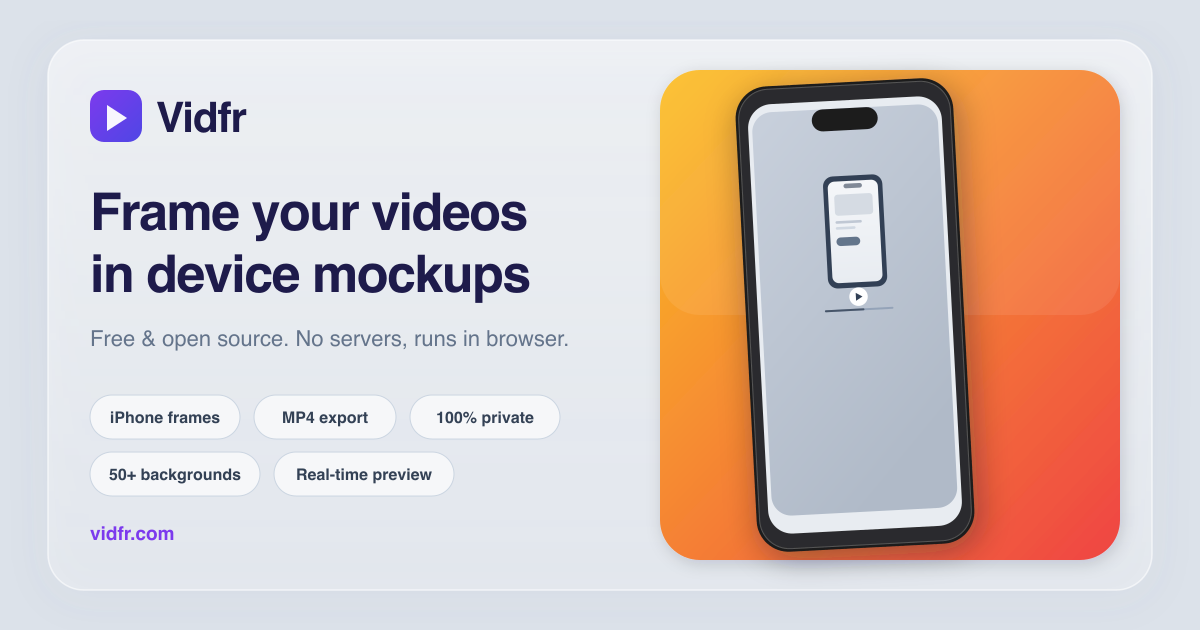
Raw screen recordings often look unfinished when they are shared in launch posts, changelogs, social clips,
or app demo pages. Wrapping the recording in a clean device frame makes the presentation feel intentional
without forcing you into a full desktop video workflow.
Published March 6, 2026. Browser-based workflow, no signup, no server upload.
A simple workflow that works for launches and product demos
If you already have a screen recording, the fastest production-ready workflow is usually the simplest one:
keep the recording clean, choose the right device shell, add breathing room with a background, and export
to the aspect ratio required by the channel you are publishing to.
1. Start with a clean recording
Remove obvious mistakes before framing the video. A steady, short recording is easier to export and feels
sharper in a social clip or changelog post.
2. Match the capture to the right iPhone
Choose the closest iPhone model so the bezels, notch, or Dynamic Island feel consistent with the source
capture. This matters more than decorative effects.
3. Export for the place it will live
Portrait works well for stories and shorts, square is useful for feeds, and landscape is still the most
flexible shape for websites and release notes.
Recommended settings for cleaner mockup videos
Use a background with contrast so the device frame does not visually disappear.
Prefer shorter clips. Thirty to sixty seconds is usually enough for a demo, teaser, or changelog item.
Keep the recording crisp before export. A blurry source does not become clearer after framing.
Match the output size to the destination first instead of resizing after export.
When browser export feels heavy, reduce file size before uploading or trim the source clip.
Frequently asked questions
Does the source video leave my device?
In Vidfr, no. The app is designed to load the video, render the composition, and export directly in the
browser.
Which export formats should I expect?
Chrome, Safari, and Edge can export MP4. Firefox exports WebM.
What is the best use case for framed mockup videos?
Product launches, App Store marketing pages, feature announcements, changelog embeds, and social teasers
benefit the most because the frame adds context immediately.
Want to try the workflow instead of reading about it? Open vidfr.com and
drop in a screen recording.