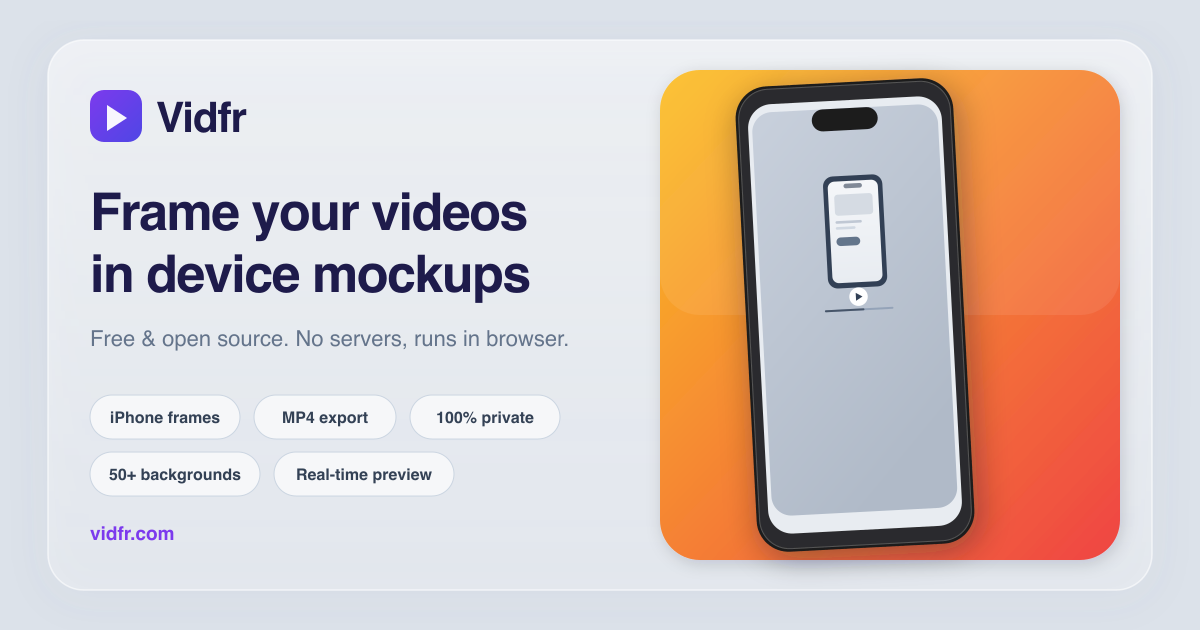
Put your screen recording inside a realistic iPhone frame
Raw app recordings look unfinished in launch posts and marketing pages. Vidfr wraps them in
a pixel-accurate iPhone mockup with a clean background so the result feels polished and intentional.
Vidfr auto-detects the recording resolution and suggests the matching iPhone model.
You can also pick manually if you want a specific look or need to match marketing assets.
iPhone 17 Pro
The latest model with Dynamic Island. Available in multiple titanium finishes and colors.
iPhone 12 Pro generation
Covers older recordings with the notch-style display. Same range of frame colors.
Clean frame (no island)
A minimal frame variant that hides the Dynamic Island cutout for a cleaner look.
Multiple finishes
Natural Titanium, Black, Silver, Cosmic Orange, Deep Blue, Gold, Rose, and more.
Frequently asked questions
Does the video get uploaded to a server?
No. Vidfr loads, composites, and exports entirely in the browser. The video stays on your device.
Which iPhone screen sizes are supported?
Recordings from any iPhone with a resolution between 1170 and 1320 points wide are matched automatically.
You can also override the model manually.
Can I export for Instagram Stories or App Store?
Yes. Vidfr offers portrait (1080 × 1920), square (1080 × 1080), landscape, and native
device output sizes. Pick the one that fits your channel.
What format is the exported video?
Chrome, Safari, and Edge export MP4. Firefox exports WebM. No watermark, no quality limit.
Ready to frame a recording? Open Vidfr — it takes about 30 seconds.