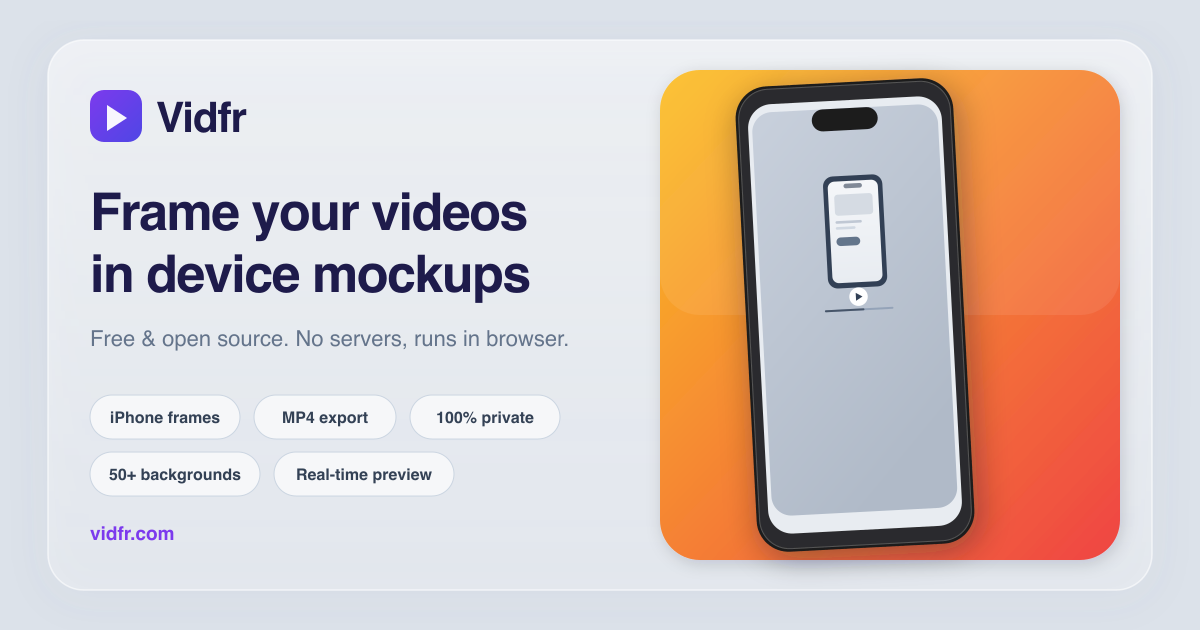
Mockup video maker for app demos and product launches
Drop a screen recording into the browser, wrap it in a realistic device frame, pick a background,
and export a polished mockup video. No desktop software, no signup, no file uploads to a server.
Most mockup tools handle static screenshots. Vidfr is built specifically for video: it composites
your recording with a device frame in real time using the Canvas API, so you see the result before
you export. The entire pipeline runs locally in the browser.
1. Upload a recording
Drag in an MP4, MOV, or WebM file. The video loads instantly without leaving your device.
2. Choose a frame and background
Pick from multiple iPhone models, frame finishes, and background styles. The preview updates live.
3. Export a ready-to-share video
Download an MP4 or WebM with the device frame baked in. Ready for social media, landing pages, or App Store.
Common use cases for mockup videos
Product launches — show the app in context instead of raw screen footage.
Changelog and release notes — embed a framed clip next to the feature description.
Social media posts — polished demos for Twitter, LinkedIn, Instagram stories.
App Store previews — export at the right size for Apple marketing guidelines.
Pitch decks and investor updates — a 15-second mockup loop says more than a screenshot.
Ready to make a mockup video? Open Vidfr and drop in a recording.